Sending logs

If you are seeing things in the software you don't expect, a good way to start the process of us helping you is to send logs.

When logged on

If you are logged on to CQG Desktop, go to the lower left bar "?" menu > Send feedback.
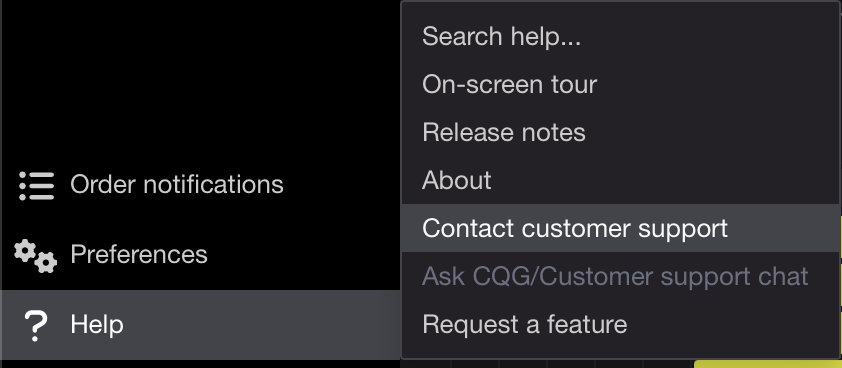
It will open a dialog where you can enter a description of the issue. Be as specific as you can and attach screenshots if possible. When you submit a feeedback form our support staff receives a notification and will start the troubleshooting process.
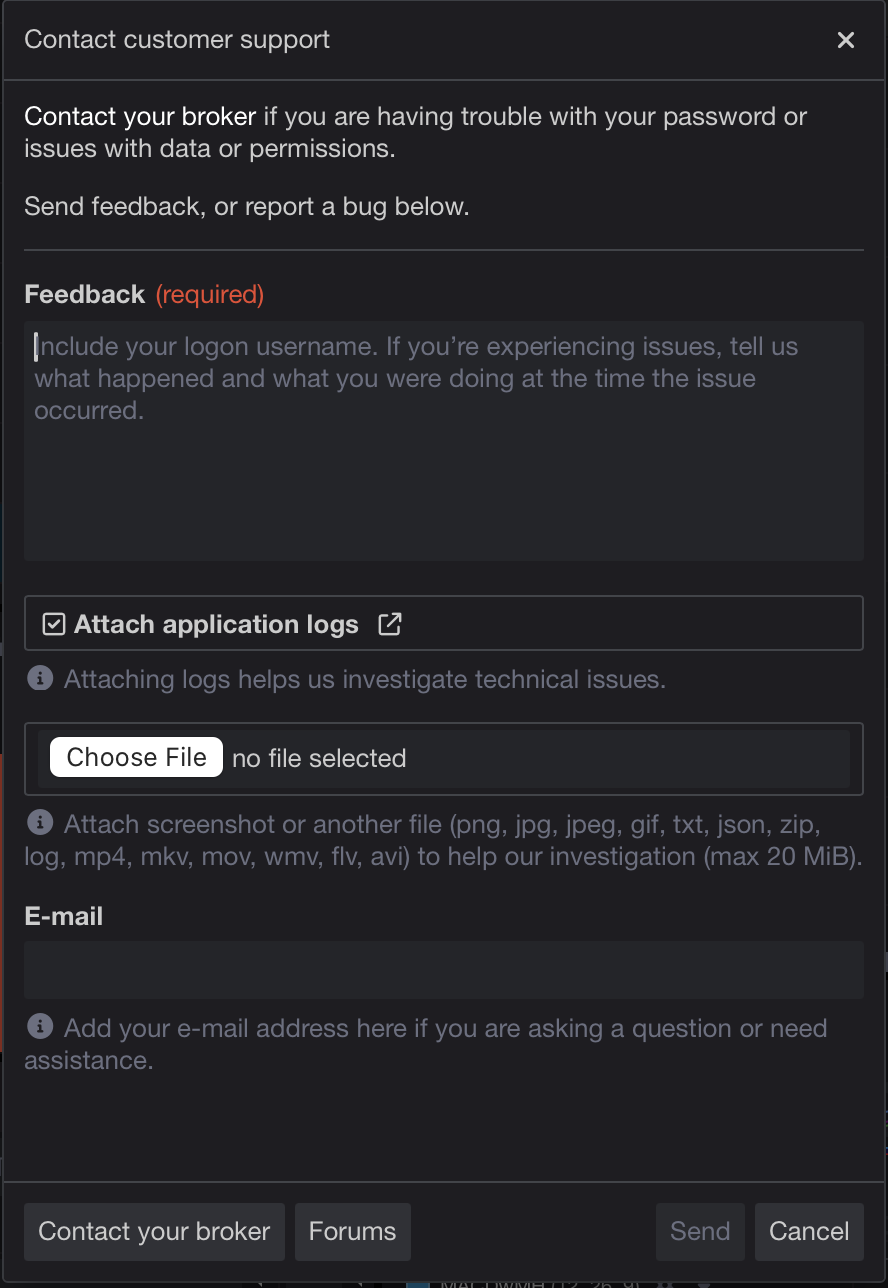
If you are having issues logging on

On the log on screen, click the "Trouble logging in?" button to open the Send feedback dialog.

 

Password Reset Guide

Use the steps below if you cannot log in to CQG One/Desktop because of an incorrect or forgotten password.

  • Enter your CQG username and password, then click Log On
  • If login fails, a message will indicate the username or password is incorrect. 
  • Select Reset your password
  • You will be redirected to the MyCQG password reset page
  • Enter your username and email address
  • Complete the CAPTCHA verification
  • Check your email for the password reset message
  • Click the reset link in the email and create a new password.

If you cannot reset your password or do not receive the reset email, contact your broker for assistance